Match My Game
Select a ScreenGUI or add a reference image. Aither carries its color, typography, spacing, and shape into your new UI.
Describe the UI you want. Get an editable ScreenGUI that matches your game and drops straight into Studio.
Used by


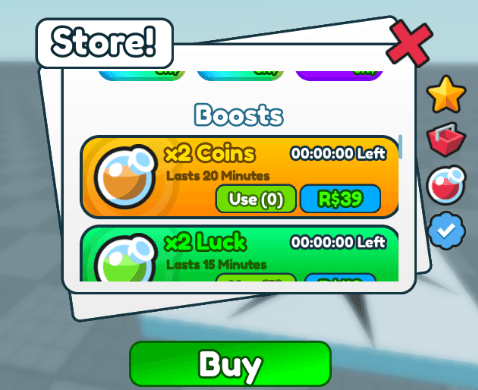 Cartoon shop
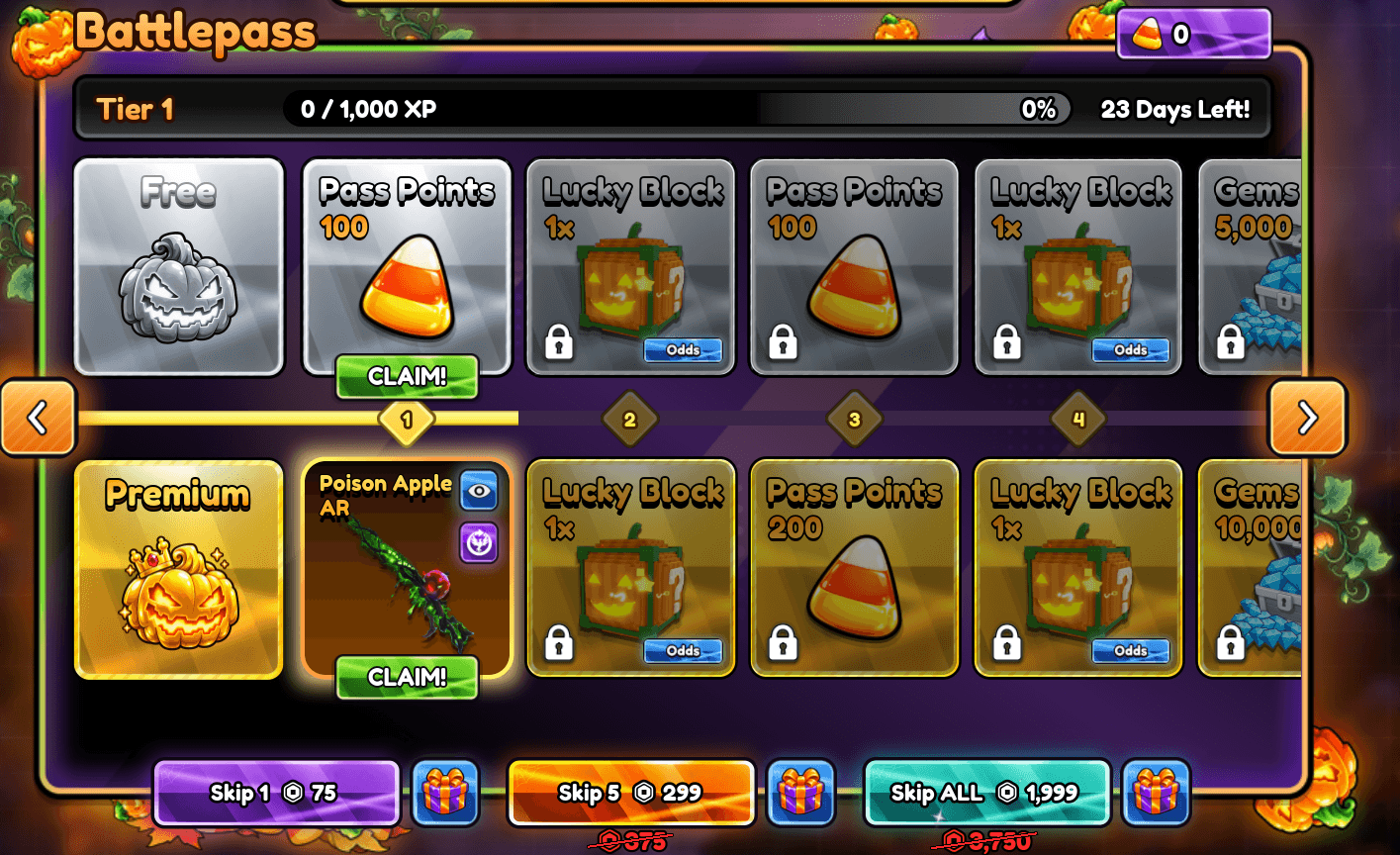 Matched battlepass
A HUD, shop, and inventory can all work on their own and still feel like they came from different games.
Match My Game carries over the type, colors, and spacing from an existing ScreenGUI so your new UI fits.
See the workflow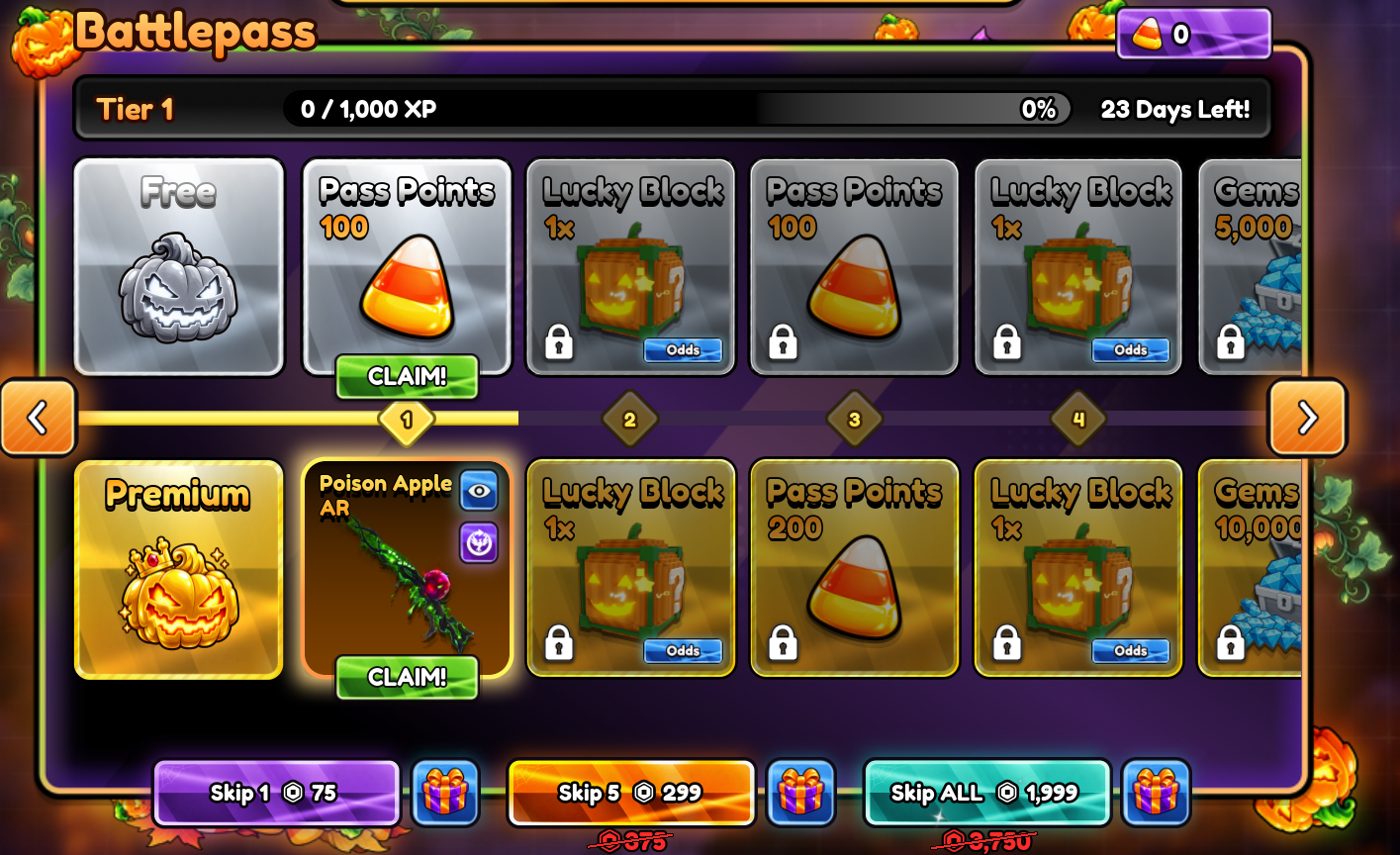
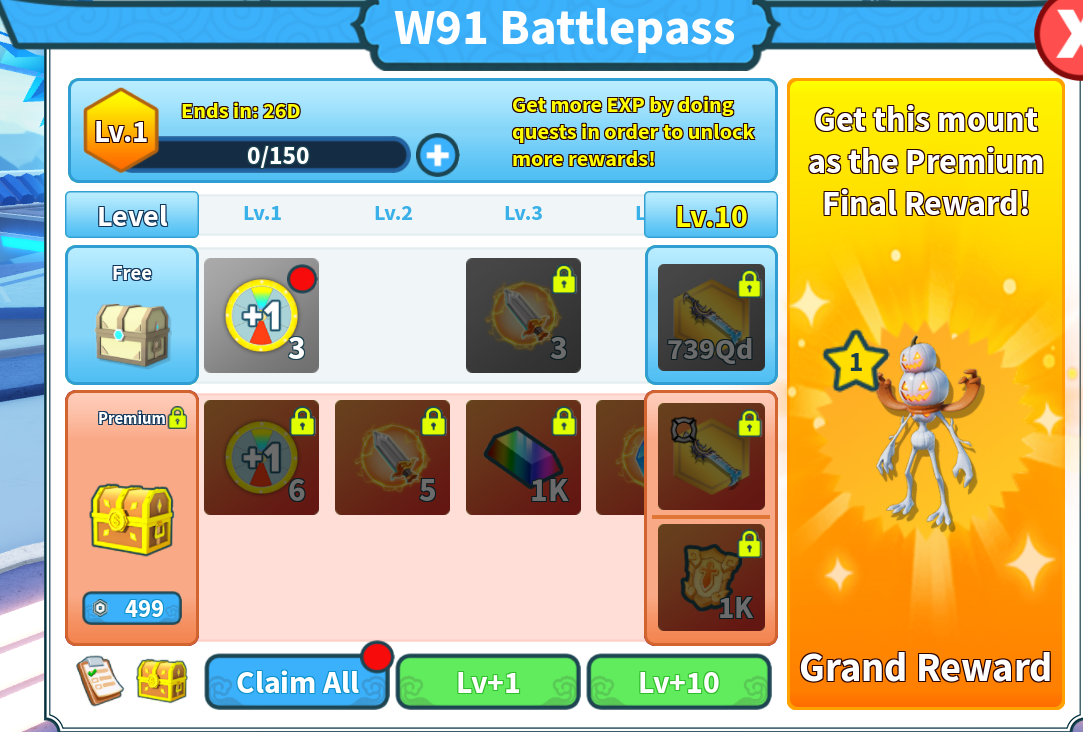
Matched with Aither
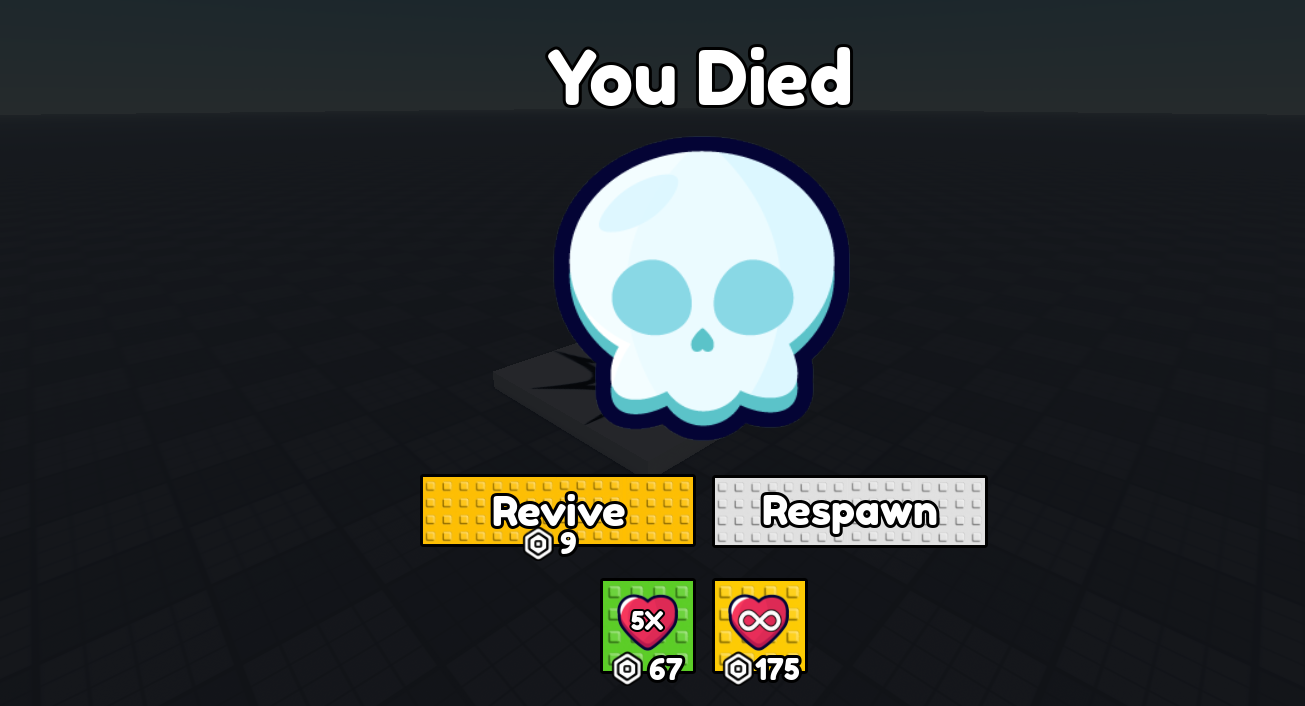
Existing HUD
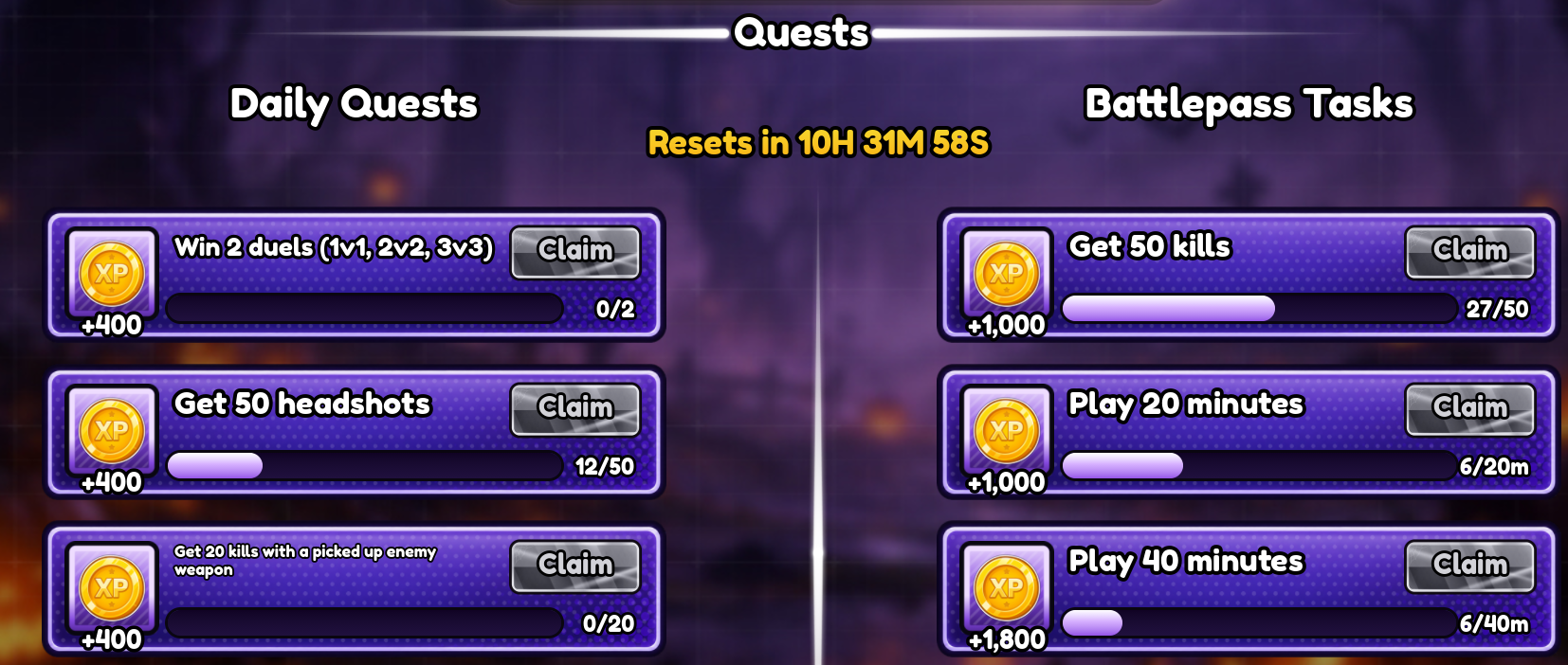 Style reference
Start in the browser workspace and finish in Roblox Studio.
Tell Aither what to build in plain English. Include the controls, layout, or states you want.
Select an existing ScreenGUI, start from a style pack, or drop in a reference image.
Switch between desktop and mobile to see how your UI fits before you insert it.
Add a native ScreenGUI hierarchy with one click. Edit it in Explorer and Properties like any other UI.
Keep control of the style and every instance in the result.
Select a ScreenGUI or add a reference image. Aither carries its color, typography, spacing, and shape into your new UI.
Start from a pack when you’re prototyping, or use your own visual language when the game already has one.
Work with native frames, labels, buttons, and layouts. Rename, resize, restyle, and wire them up in Studio.
Check the layout at both sizes while it’s still a preview. Catch crowded controls before they reach the game.
Reuse the same style whenever you build new UI.
Review clipping, sizing, and overlaps before insertion, while the UI is still easy to adjust.
Start with an existing ScreenGUI, a style pack, or a reference image.
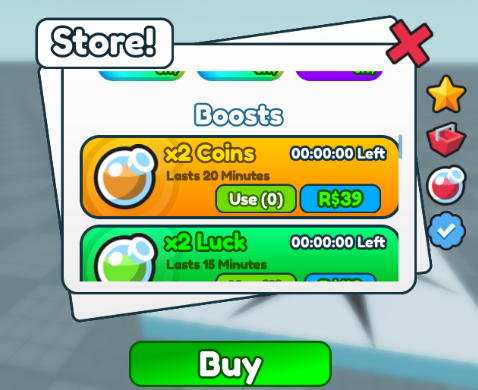
Bright boosts and bold outlines
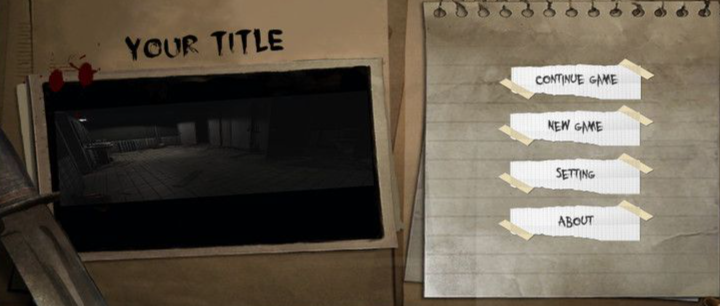
A worn notebook and taped menu options
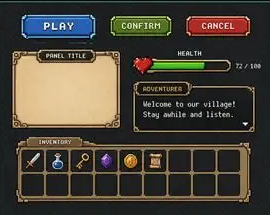
Pixel art · RPG
Verify your email to get 0.05 credits. Top up or subscribe as your game grows.
Try Aither in your own game.
For a batch of new UI or a new game.
For active projects and small teams.
What to know before you install.
Install Aither in Studio and verify your email to claim 0.05 credits.